
WORLD CLOCKS WITH A VIEW
Every city.Its own sky.
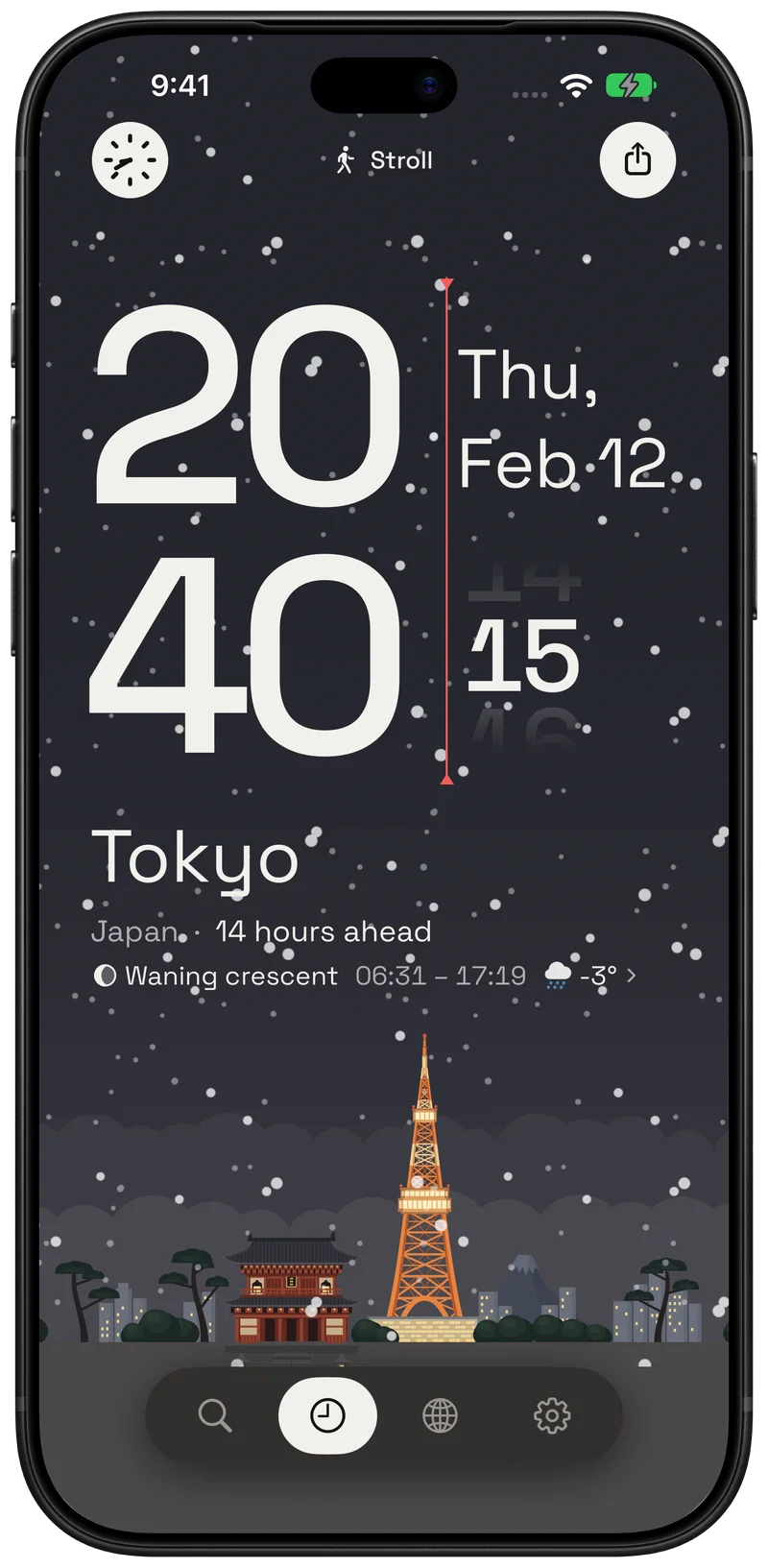
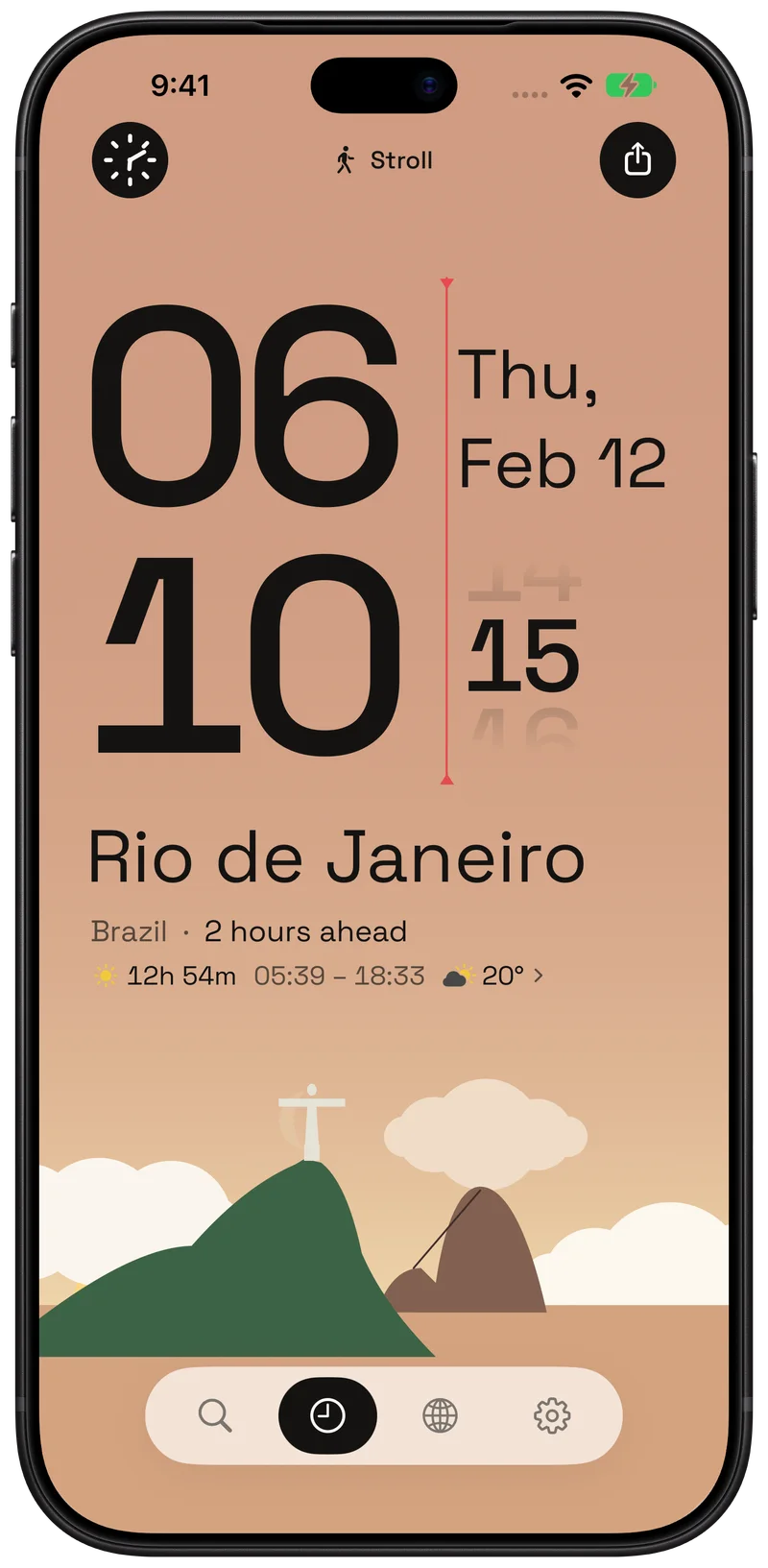
Hourline is a world clock and time zone converter for iPhone, iPad and Apple Watch. Drag through the day, compare city times, and find a time together.
Find a time together
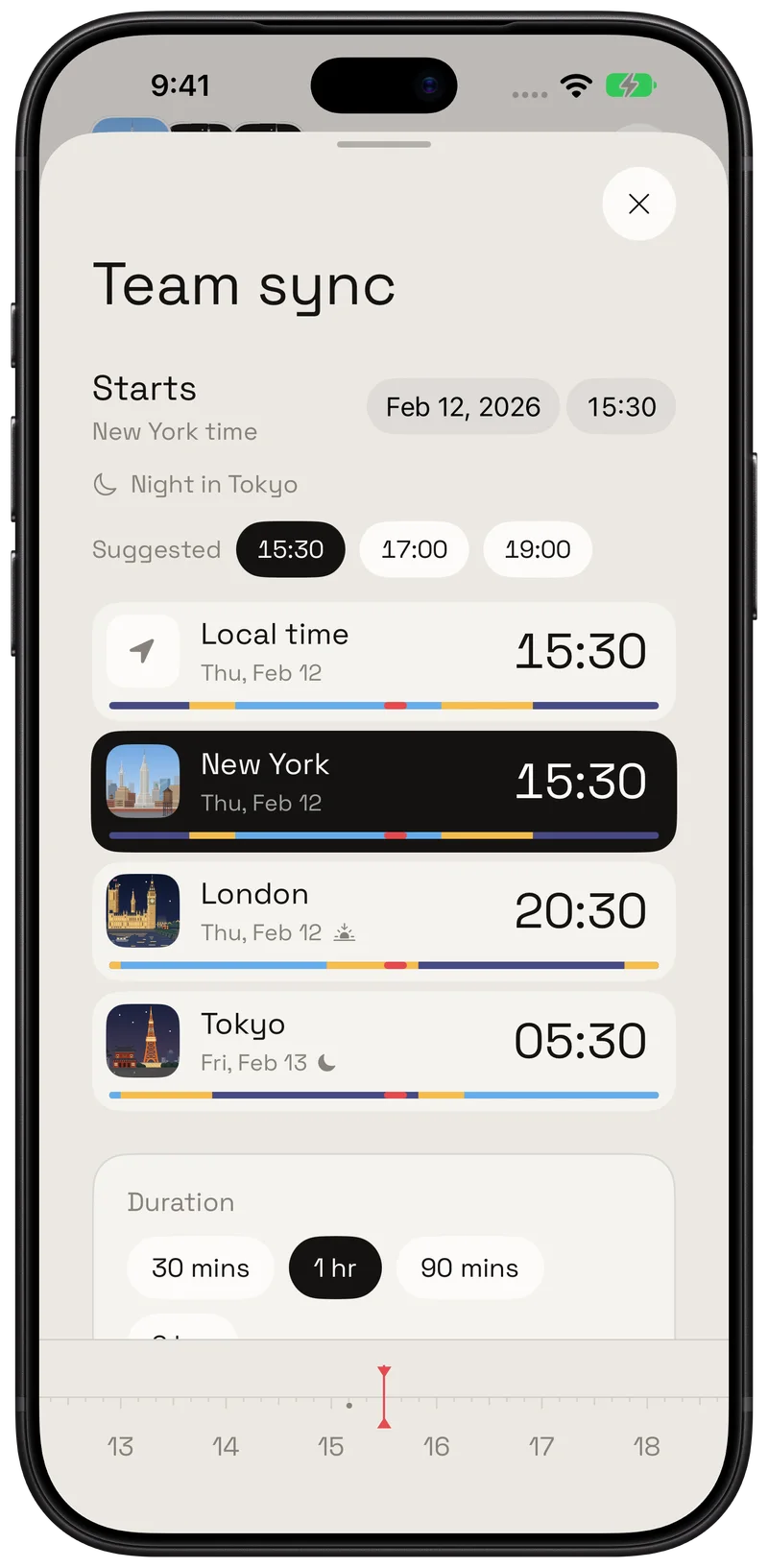
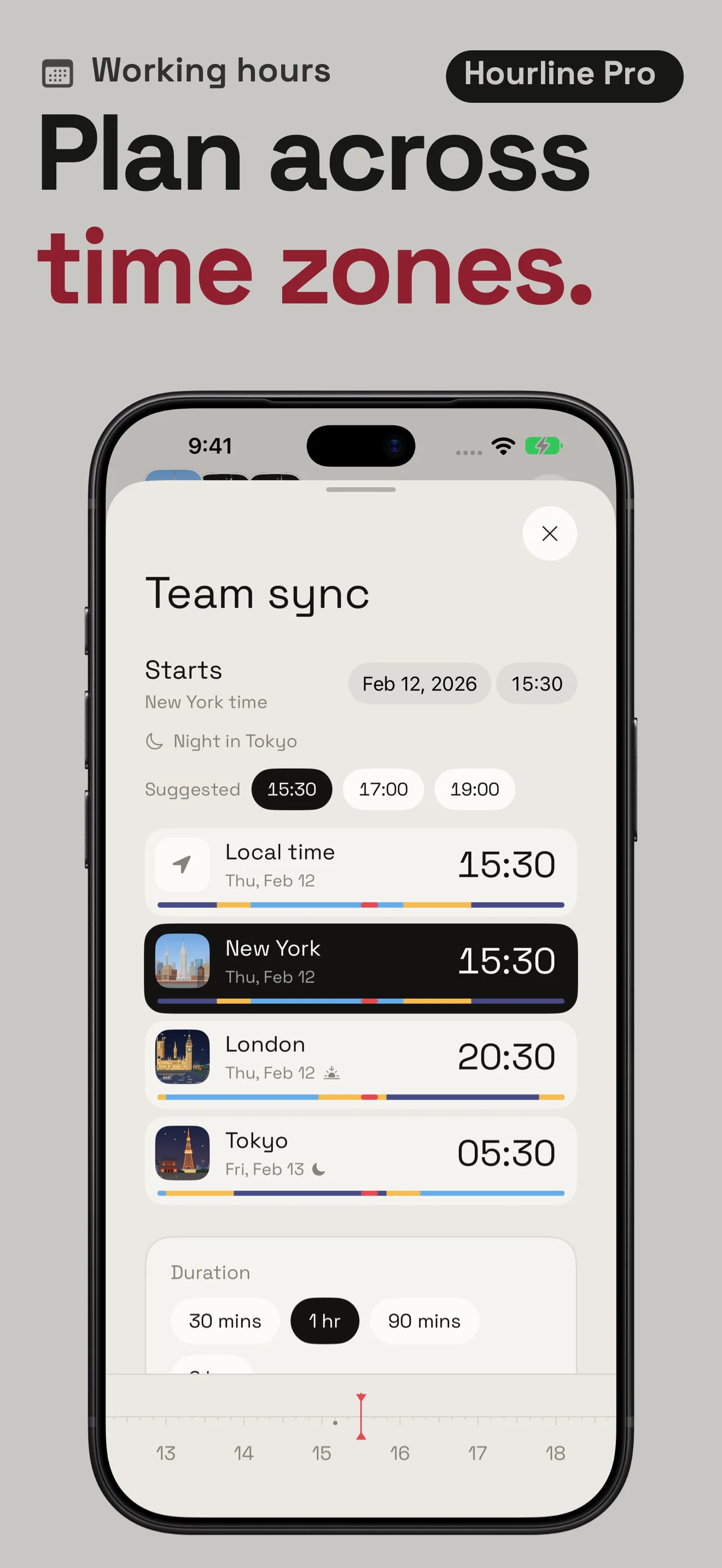
Compare three time zones. Move the time and watch the local dates, with daylight saving handled for your meeting date.
Time-zone rules follow the selected date, including daylight saving.
Time zones at your meeting time
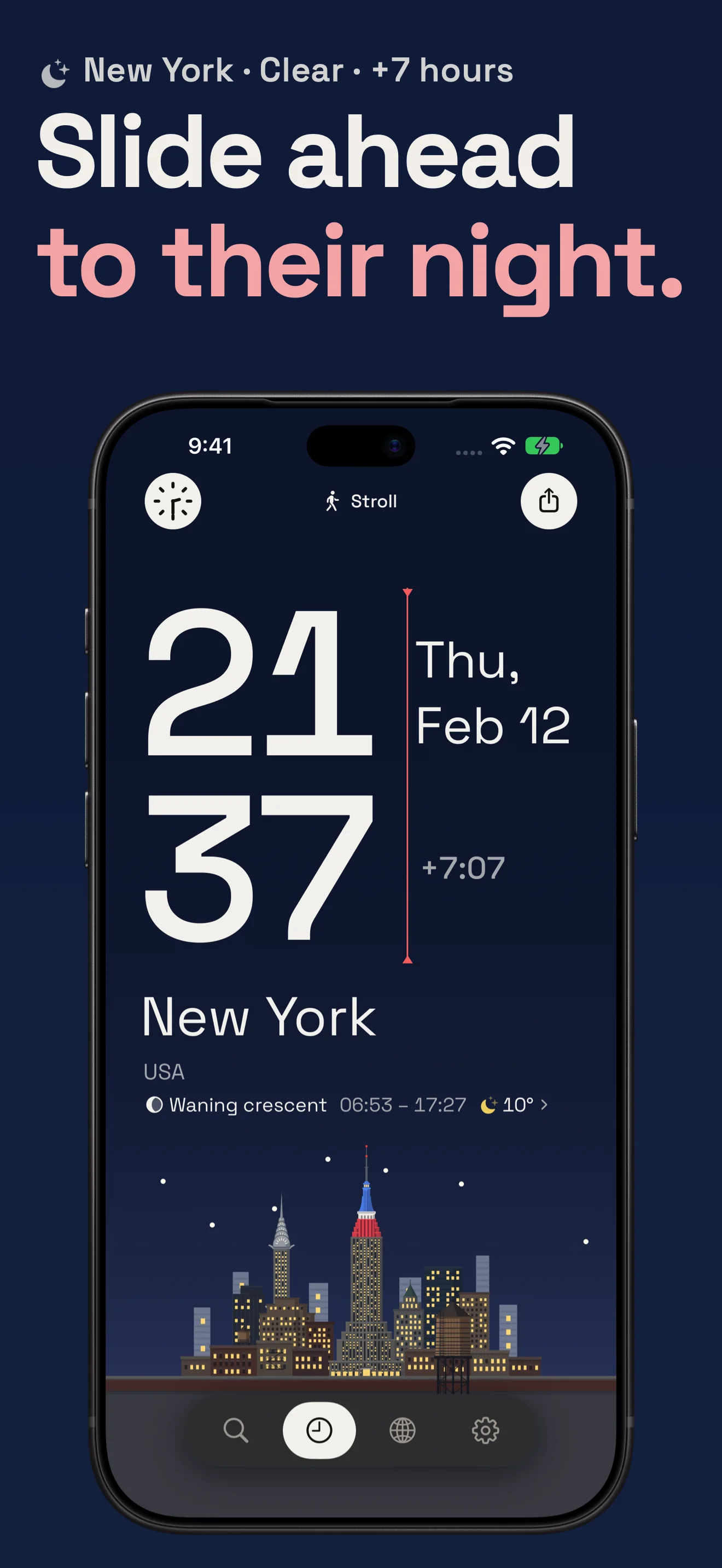
See the day move.
Two short films. From a city's first light to the turn of a crown.
A day in your hand.
The film could not play here. Open the video below to try again.
Read the film
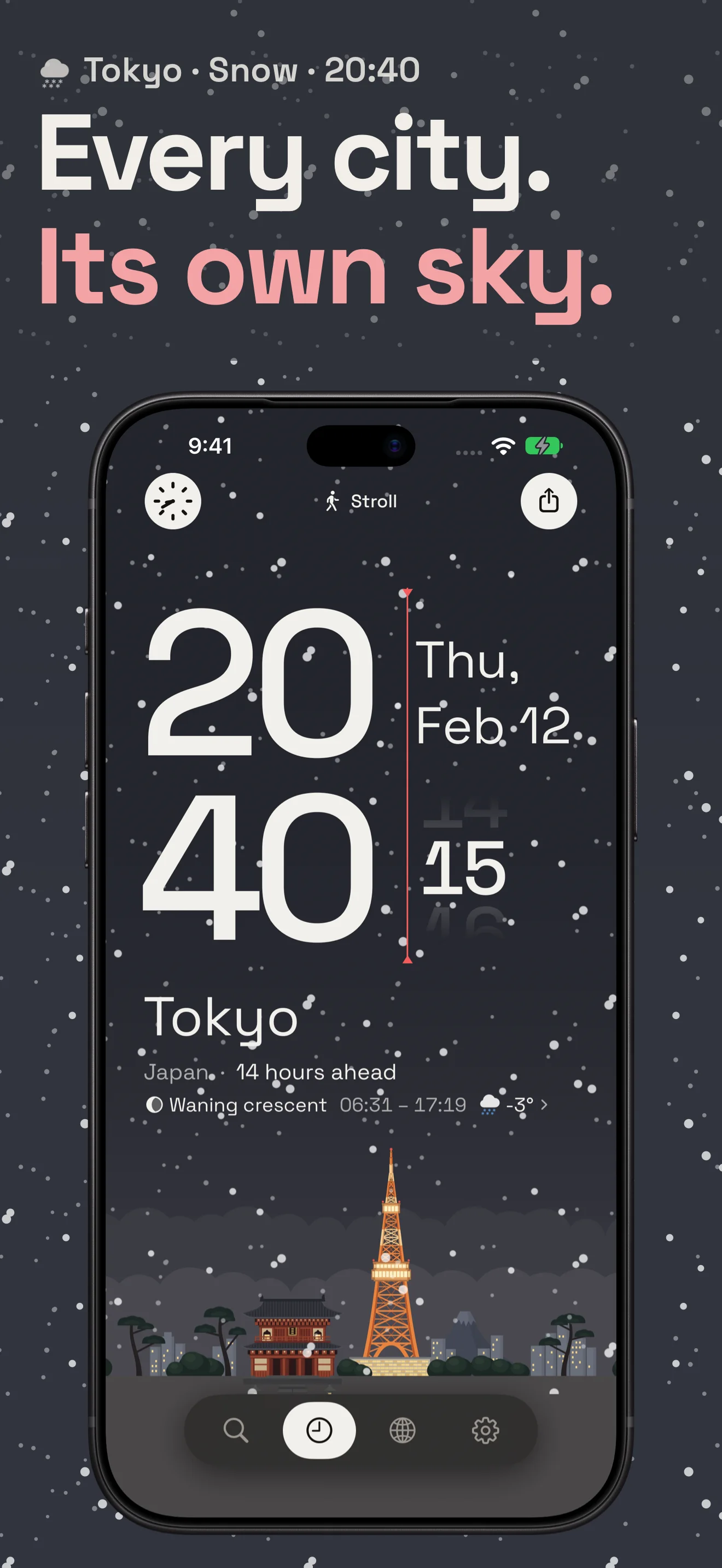
Every city, under its own sky. A phone lights up with Tokyo in the morning. Drag to turn the day into night: the sky, hour and desk light change together. Follow the light to any city: Tokyo, London, Hong Kong. Hourline. World Clock. Free on the App Store. Soft ticks, rising notes and a closing chime accompany the film.
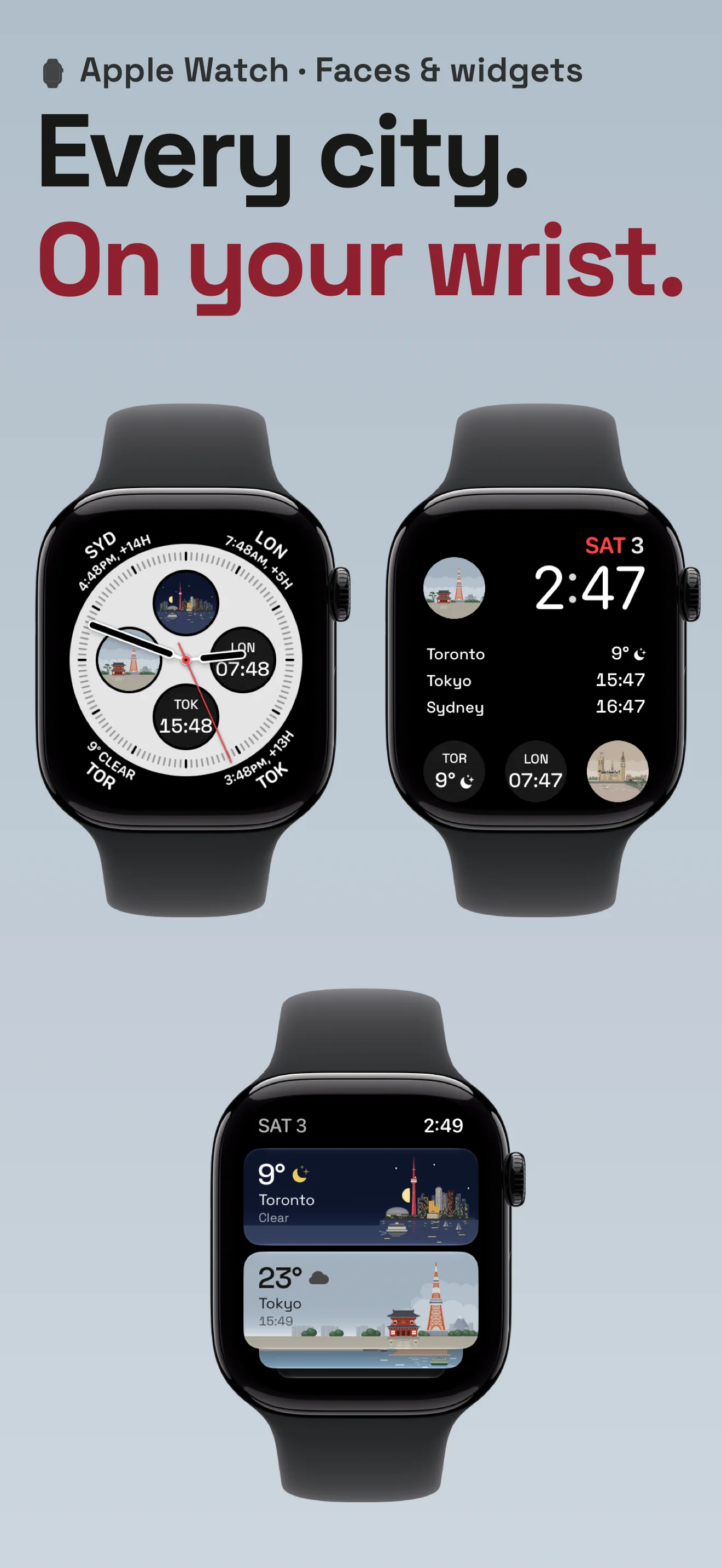
The world on your wrist.
The film could not play here. Open the video below to try again.
Read the film
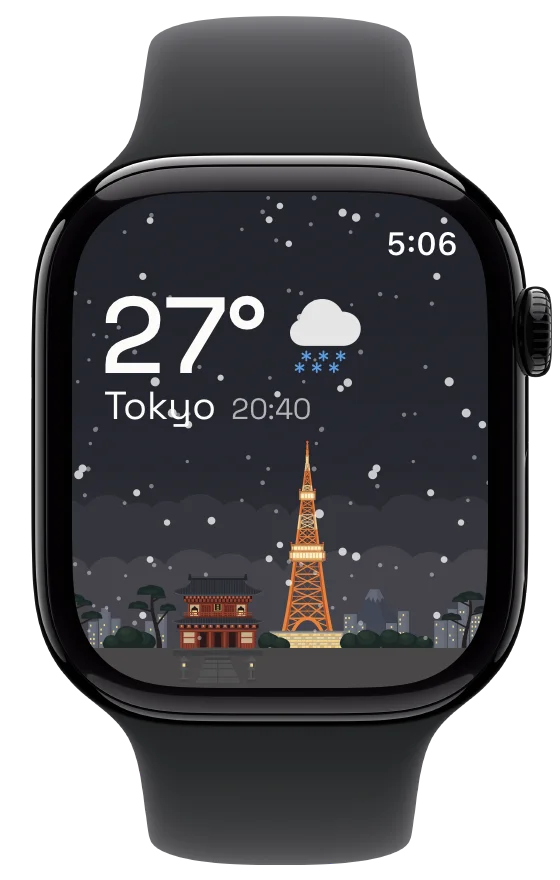
Every city on your wrist. A wrist rises, revealing city times, weather and landmarks on the watch face. Corners, circles, cards. Turn the crown to explore Smart Stack and open Tokyo. Hold the day. Turn the sky: the crown moves Tokyo through dusk into night, and the tower lights up. Turn again: the next city. Sydney, Los Angeles, New York, London. Hourline. World Clock for iPhone and Apple Watch. Free on the App Store. Gentle taps, notes and chimes accompany the film.
App footage with designed settings. Weather and some widgets require Pro.
From “what time?” to a calendar event.
World Time keeps the other cities in view while you plan. Check the date as well as the hour before you save.
Start with one city's clock
Choose the city, date and start time. The comparison shows your local time and your saved cities.
Check the whole plan
Set the duration, a repeat schedule and a reminder. A midnight crossing appears as the next local date.
Keep it in your calendar
With Hourline Pro, add the event to the calendar you choose, in that city's time zone.
Keep the team’s cities in view.
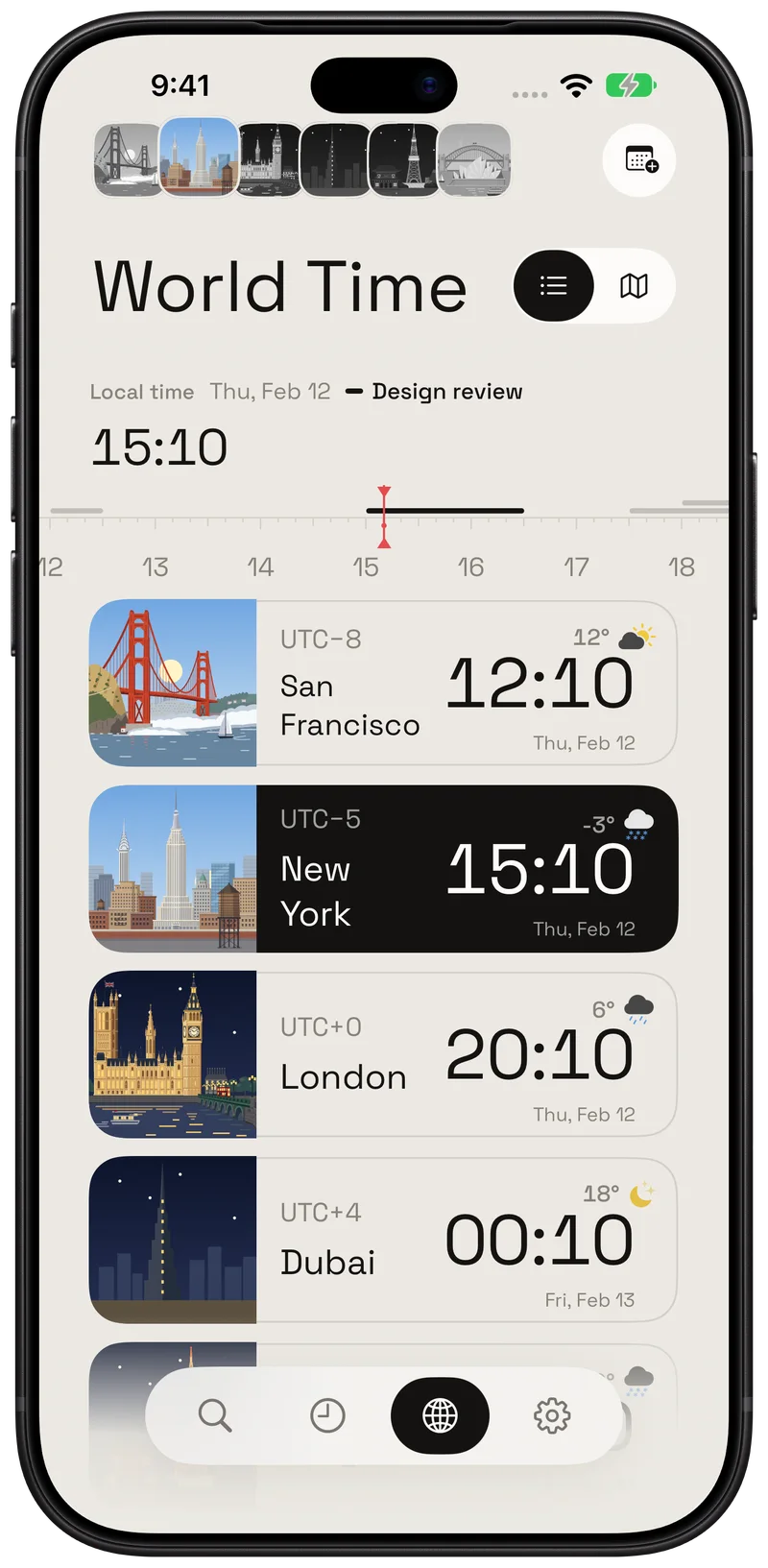
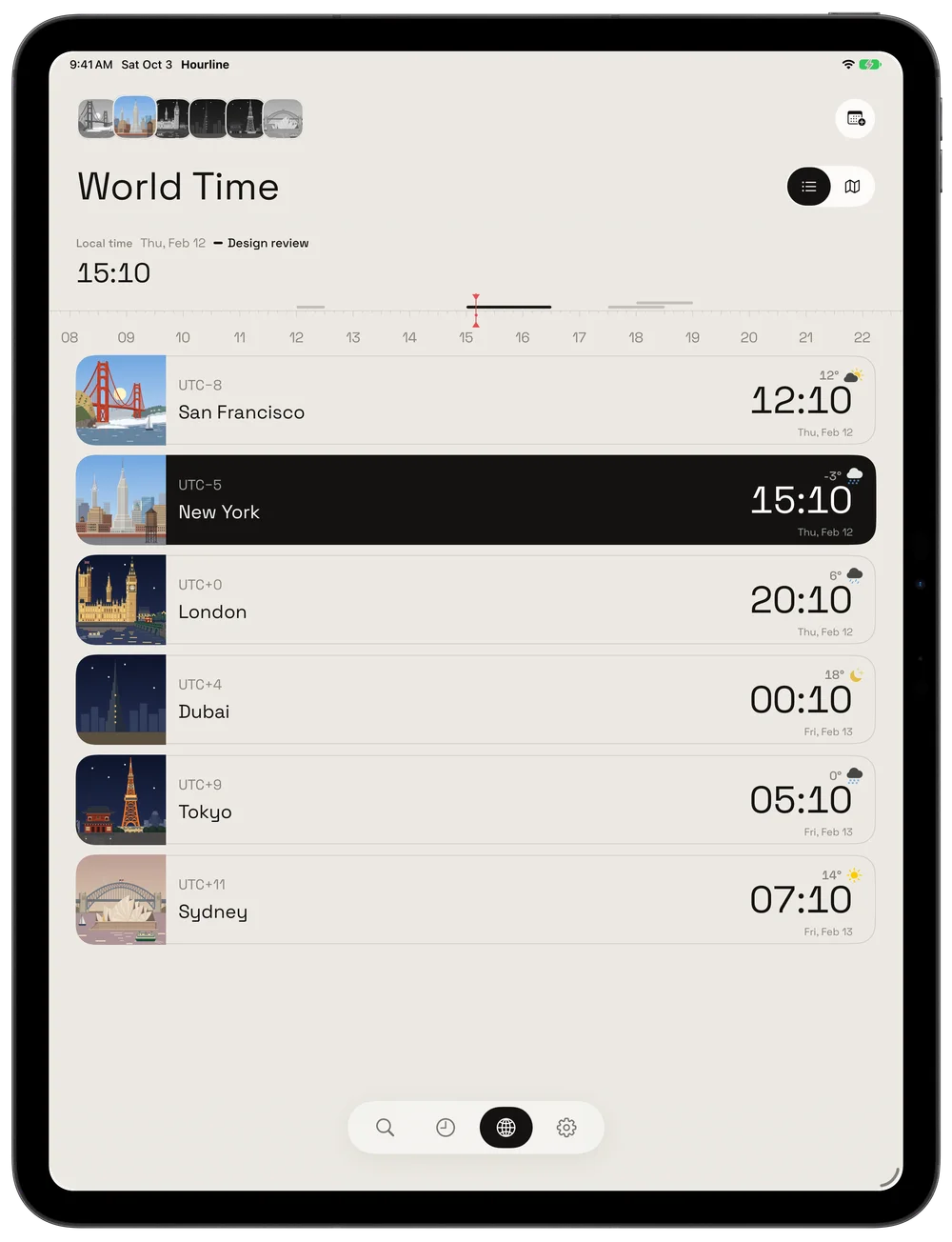
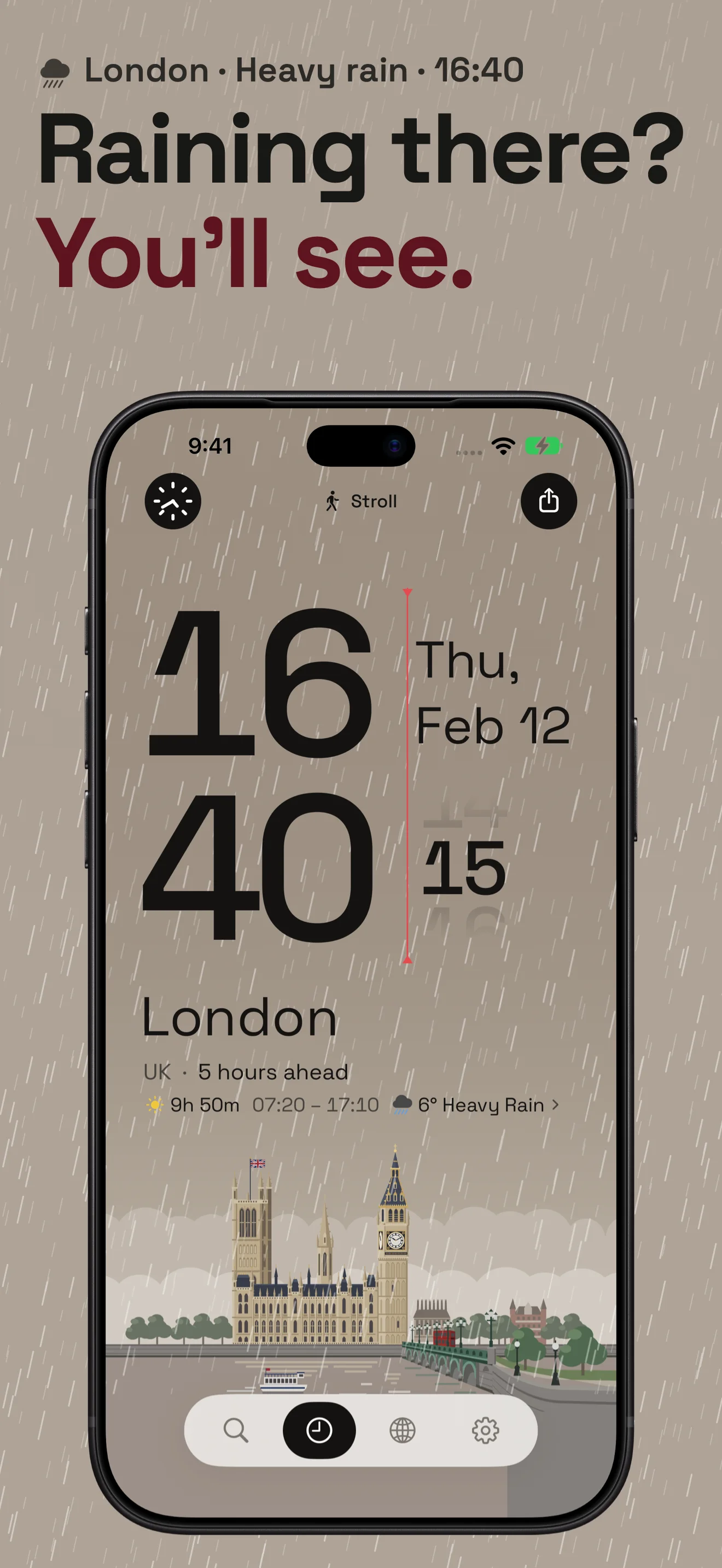
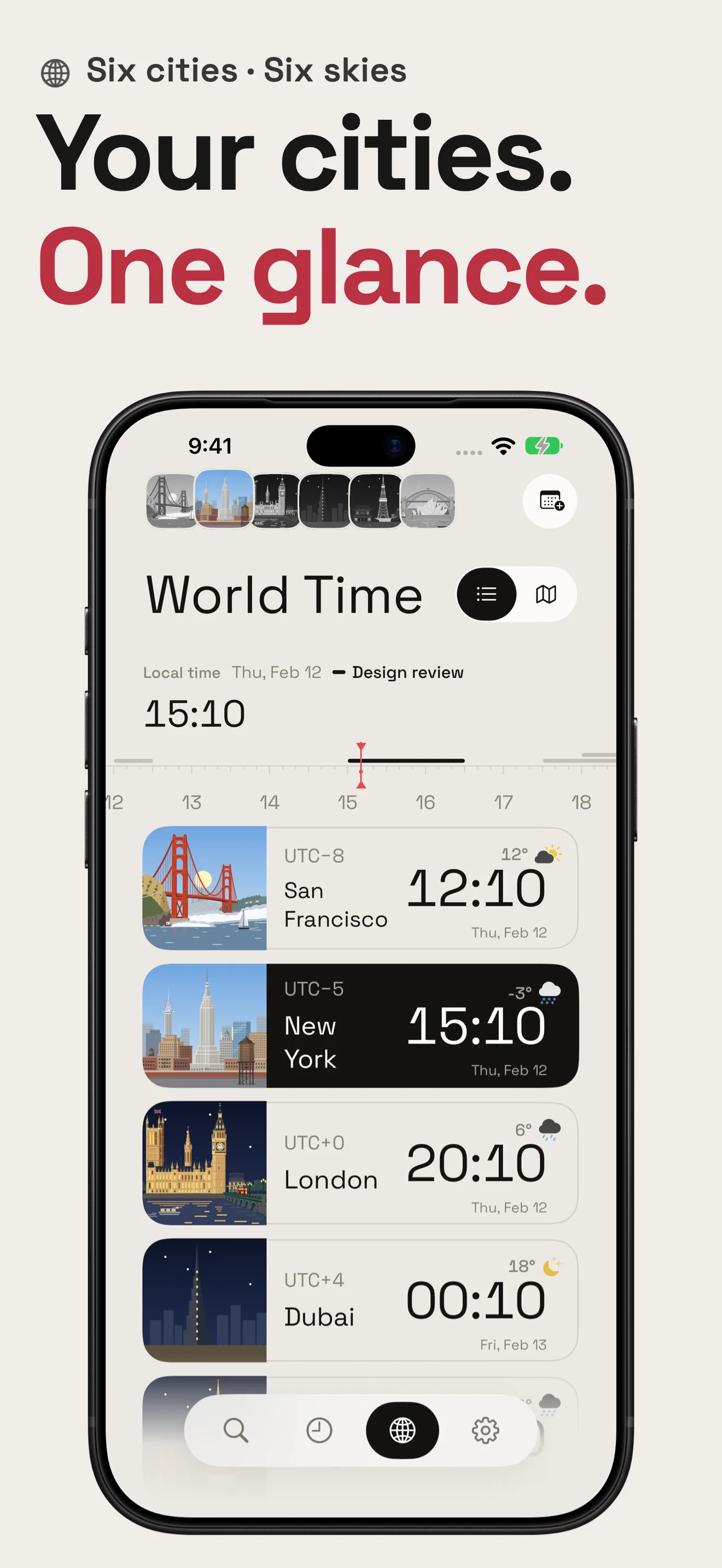
World Time puts local clocks, dates, weather and illustrated landmarks in one list. Scrub the hour ruler to look ahead, or follow the red hour line across the map.
City time zones handle daylight saving automatically.
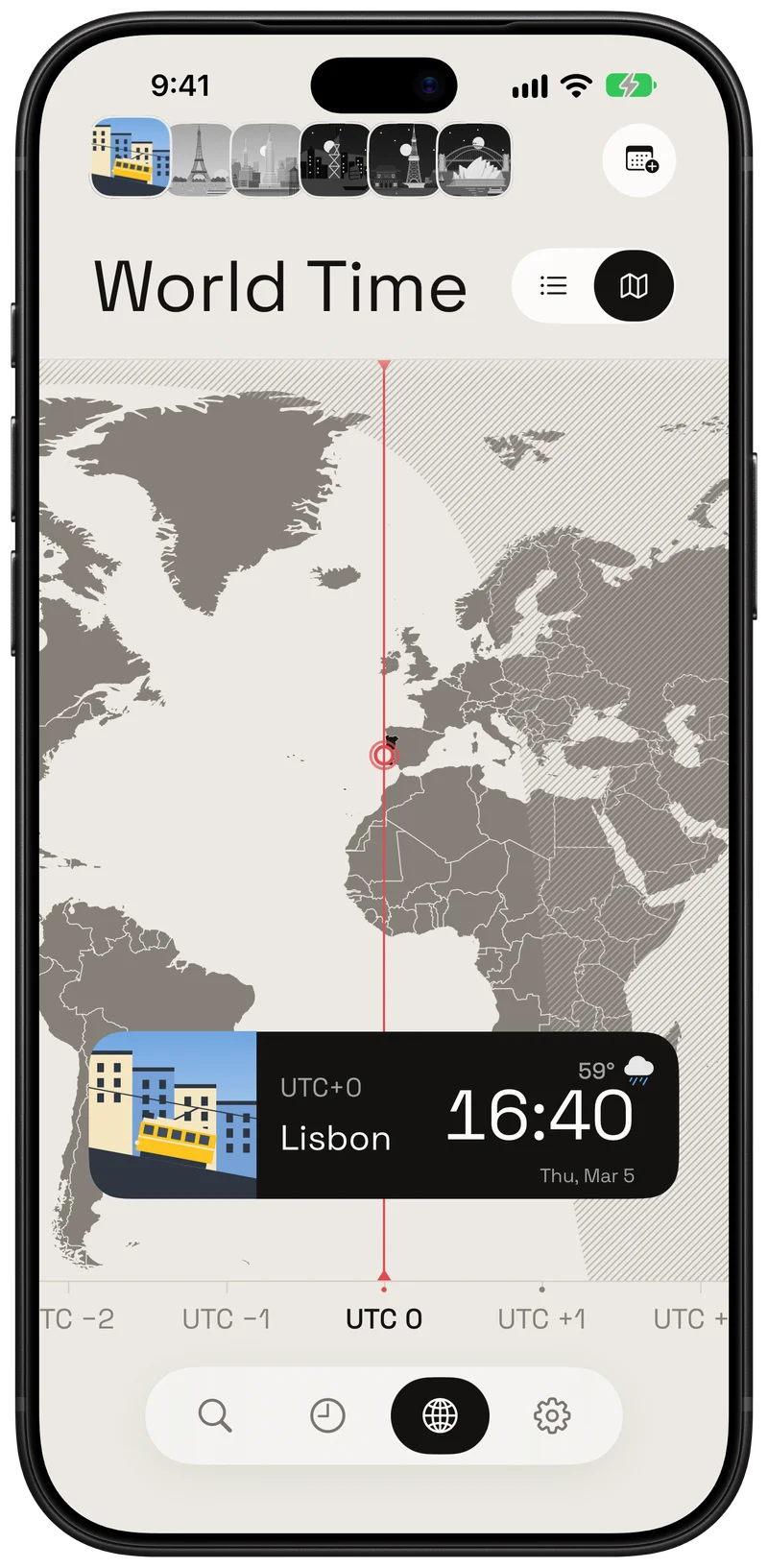
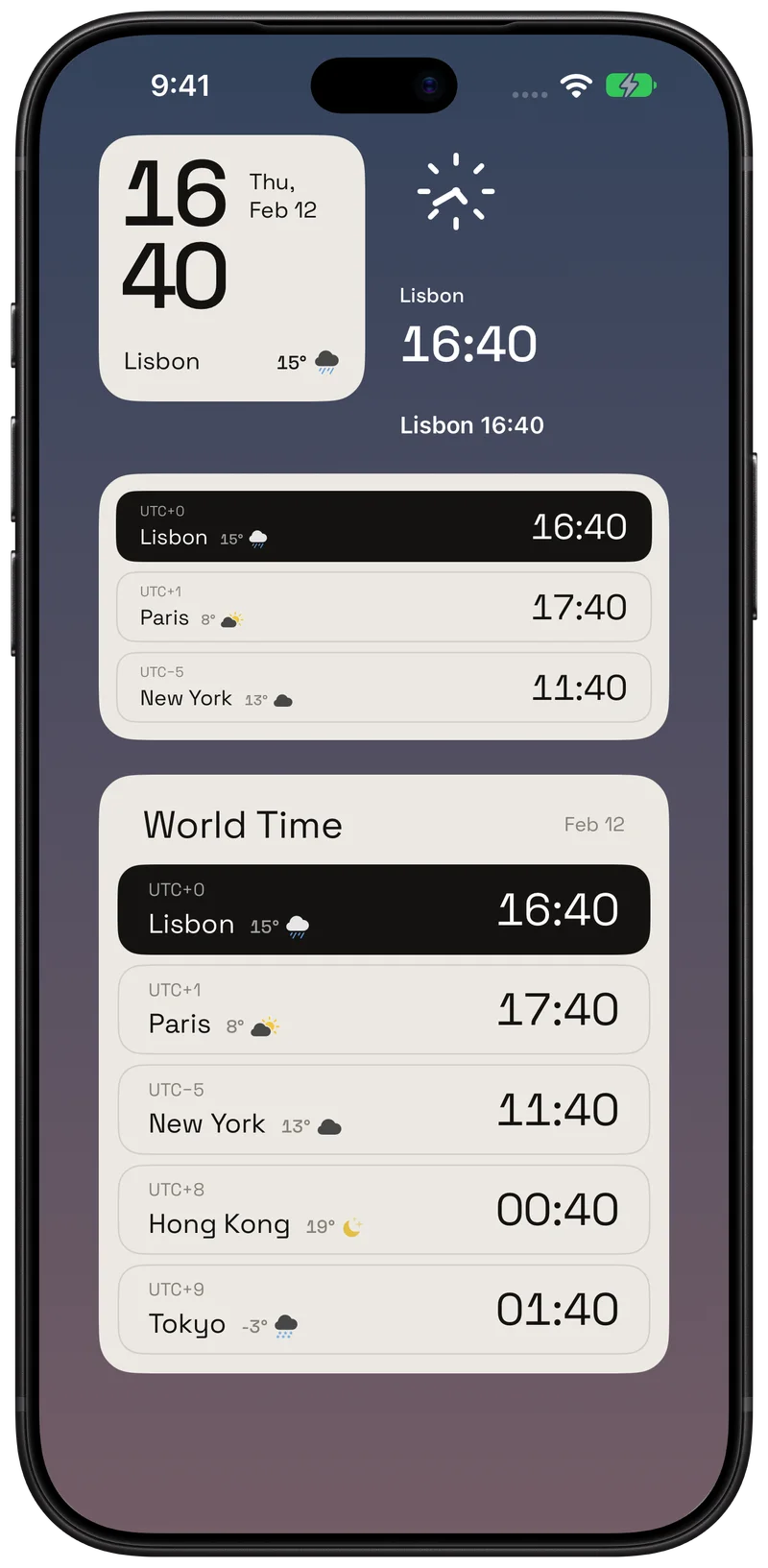
A glance, wherever you work.
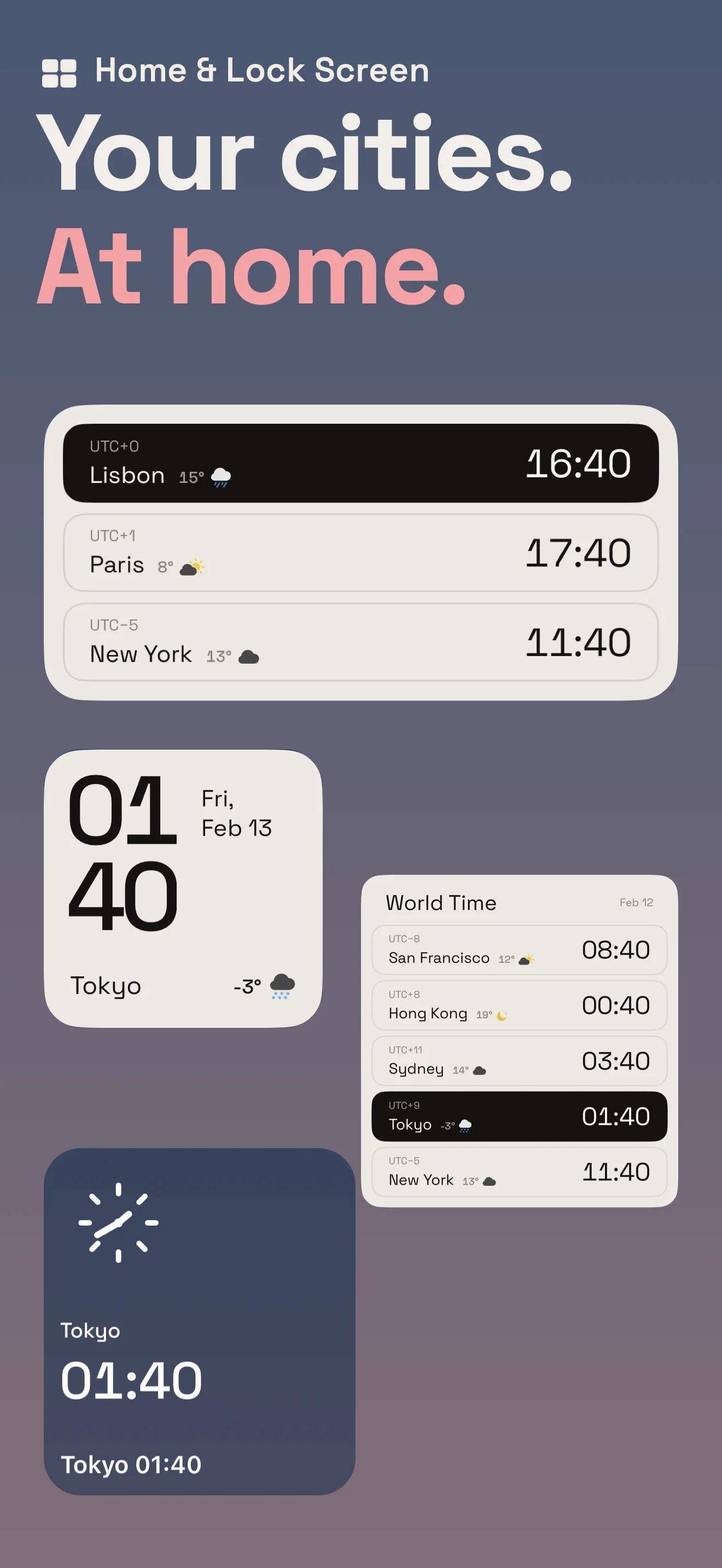
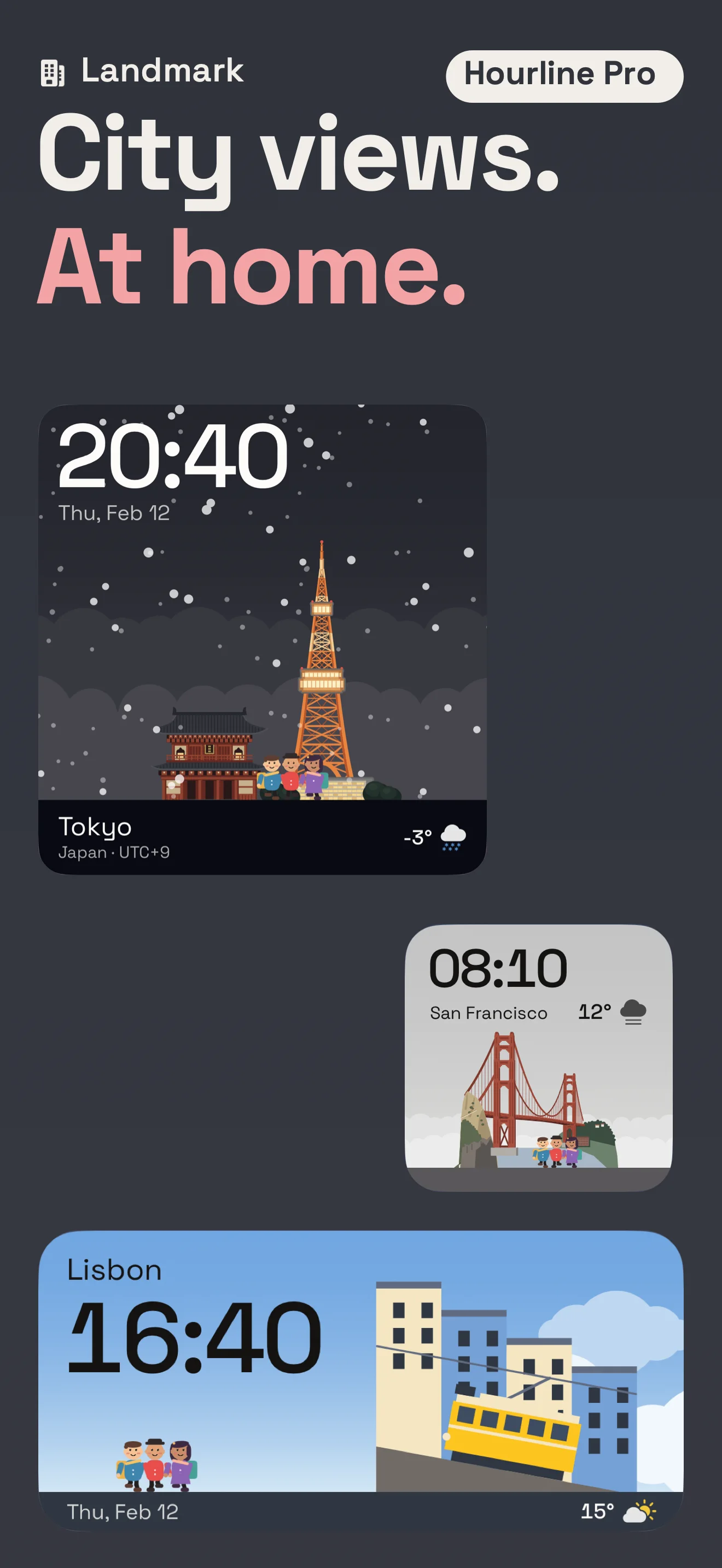
Put city clocks on your Home Screen and Lock Screen. Give World Time room on iPad, or turn your wrist to check another city on Apple Watch.
iOS 18+ · iPadOS 18+ · watchOS 11+
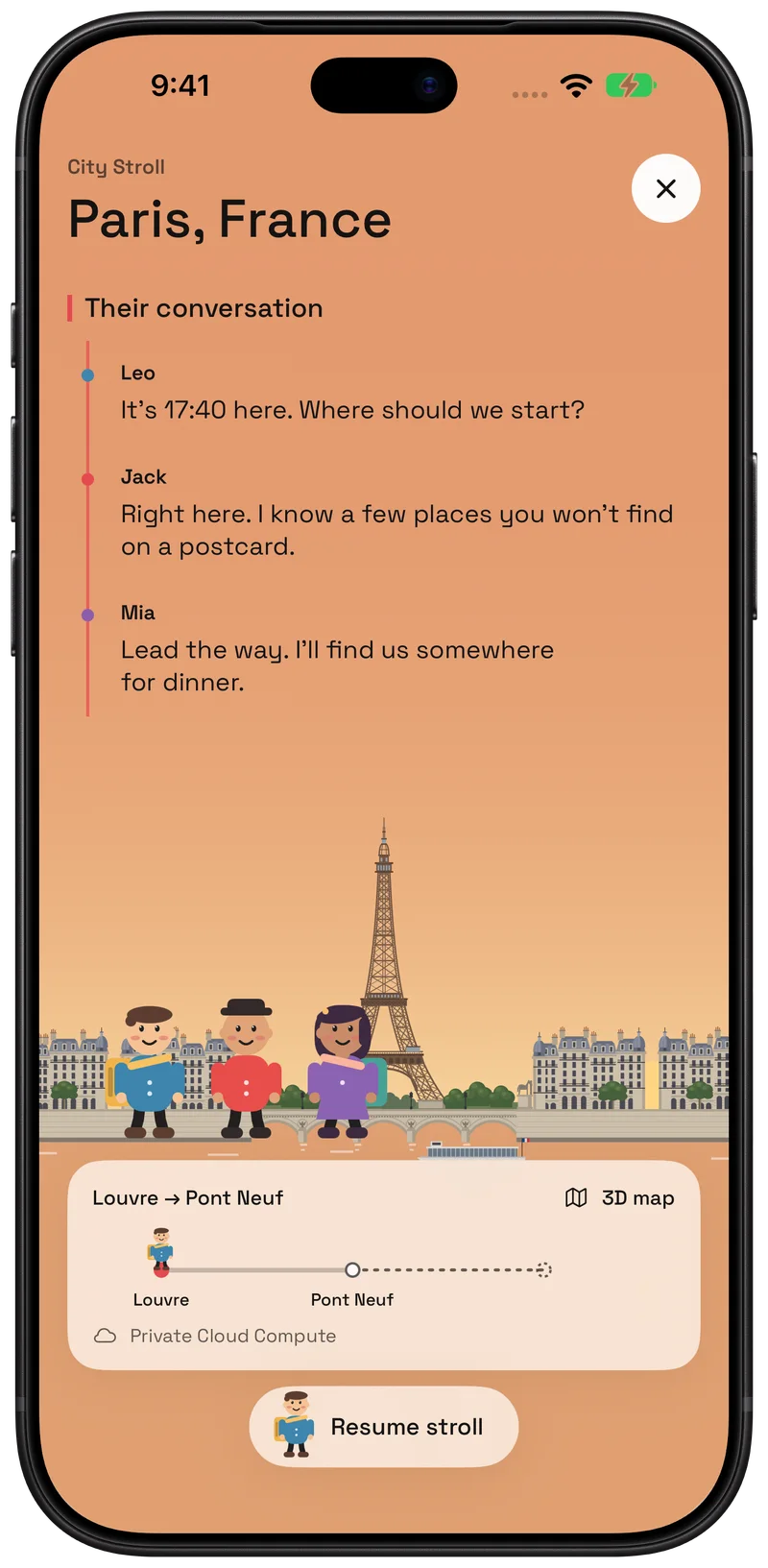
And when the meeting ends, take a stroll.
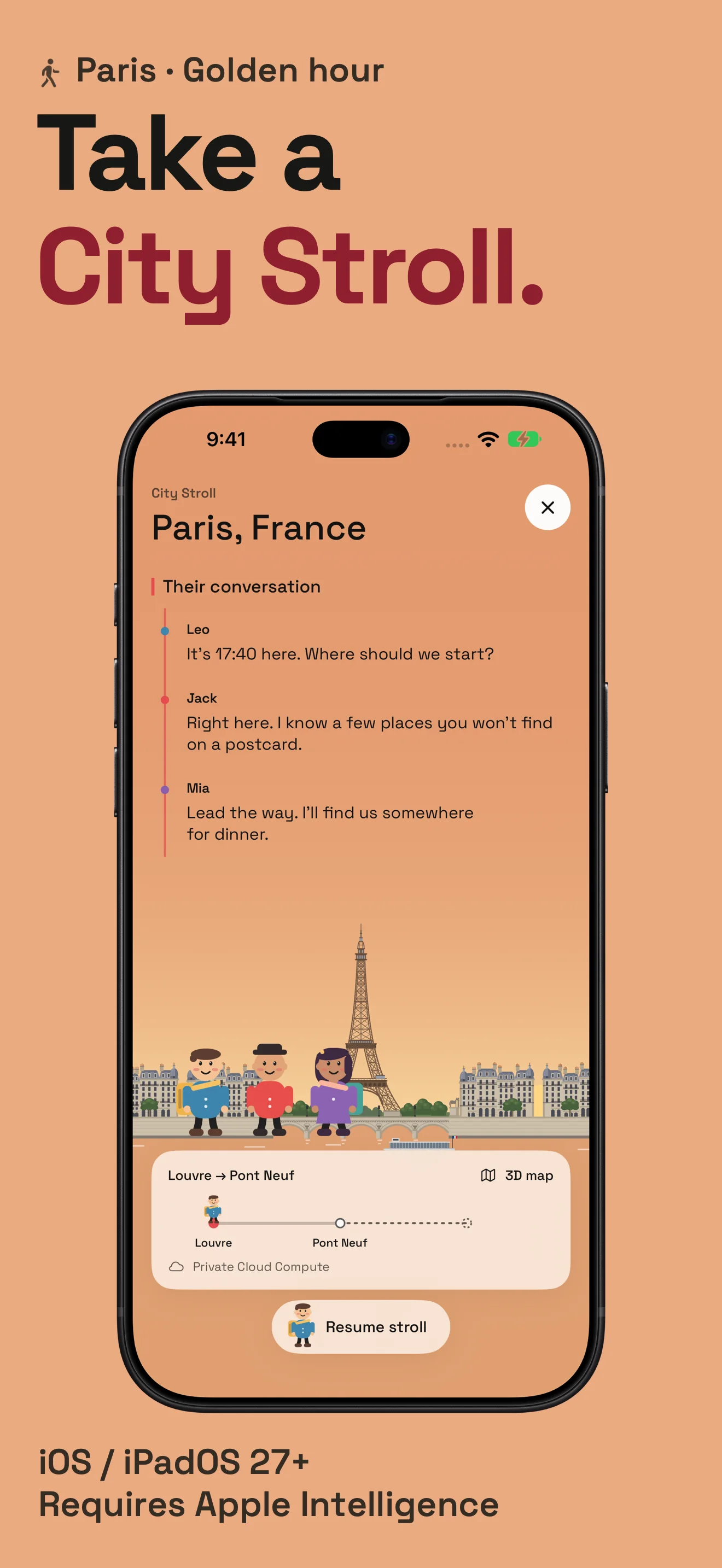
Follow Leo, Jack and Mia through a city's real places. City Stroll pairs a walking map with a fictional conversation, shaped by the city's local time and weather.
Requires iOS 27 or later and a device eligible for Apple Intelligence. Availability depends on language and region. Preview the first three lines free; continue with Pro.
Start with your cities.
Hourline is free to try. Pro adds tools for a fuller world clock and for saving the meetings you plan.
Hourline
Free
- Save up to six cities
- Compare times and dates
- Explore the world map
- Weather on the Clock screen
- Standard clock widgets
Hourline Pro
Optional purchase
- Save as many cities as you like
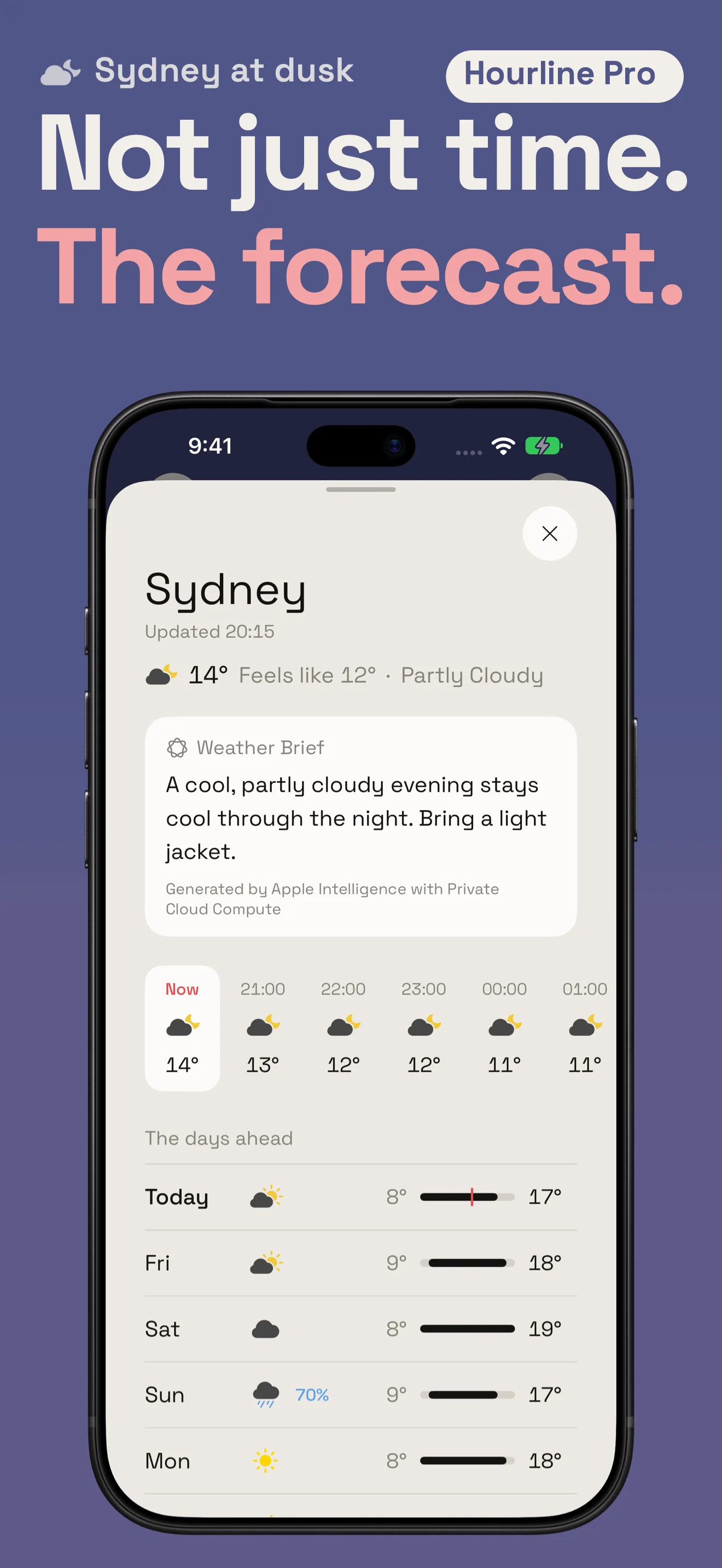
- Weather and forecasts for every city
- Add planned events to your calendar
- Landmark and City Stroll widgets
- Continue City Stroll on eligible devices
Monthly, yearly or a one-time Lifetime purchase. See current prices and terms in the app. Subscriptions renew automatically unless cancelled.
A closer look at Hourline.
World clocks, calendars and a little more of the world. Explore the app on the devices you use.
Before you start.
Can I save a meeting to my calendar?
Yes, with Hourline Pro. Choose a city's time, check the other local times, then set the event's duration, repeat schedule and reminder. Hourline writes it to the calendar you choose.
Does the app account for daylight saving?
Yes. City clocks use the time-zone rules for the date you are viewing. When countries change their clocks on different dates, their time difference can change too.
Can I see my existing calendar events?
You can opt in to Events on the Ruler in Settings → Calendar. Those events are read on your device. Calendar access is optional.
Which devices run Hourline?
Hourline supports iPhone and iPad on iOS or iPadOS 18 and later, and Apple Watch on watchOS 11 and later. City Stroll has the additional requirements described above.
What about privacy?
Your cities and settings stay on your device, with your chosen cities also shared with your paired watch. Weather, purchases and City Stroll use the services described in the privacy policy. There are no ads or cross-app tracking.